Files & media
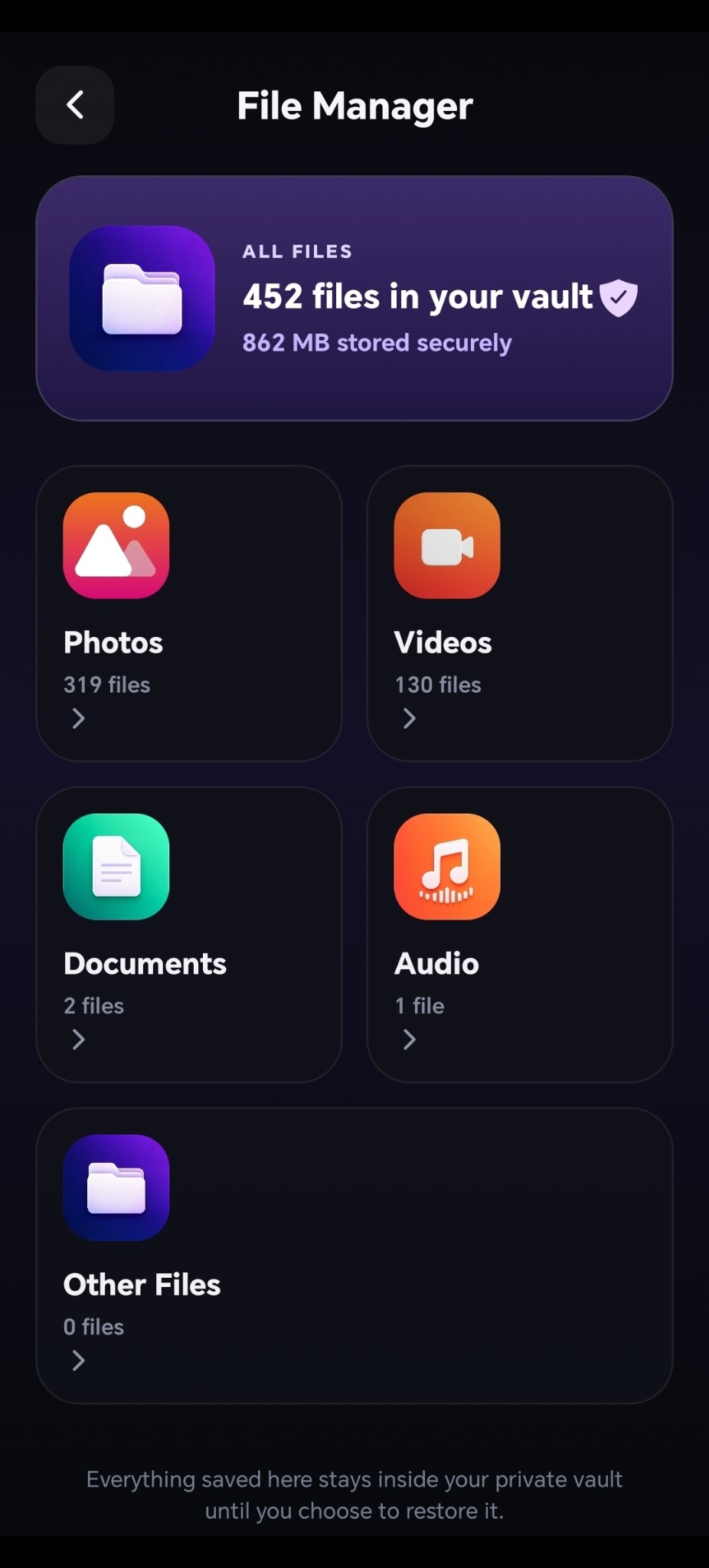
Keep photos, videos, documents and audio together.
MEMOVAULT FOR ANDROID
Keep photos, videos and more behind a memory game you can actually play.
Free to download · Contains ads & in-app purchases
HOW IT WORKS
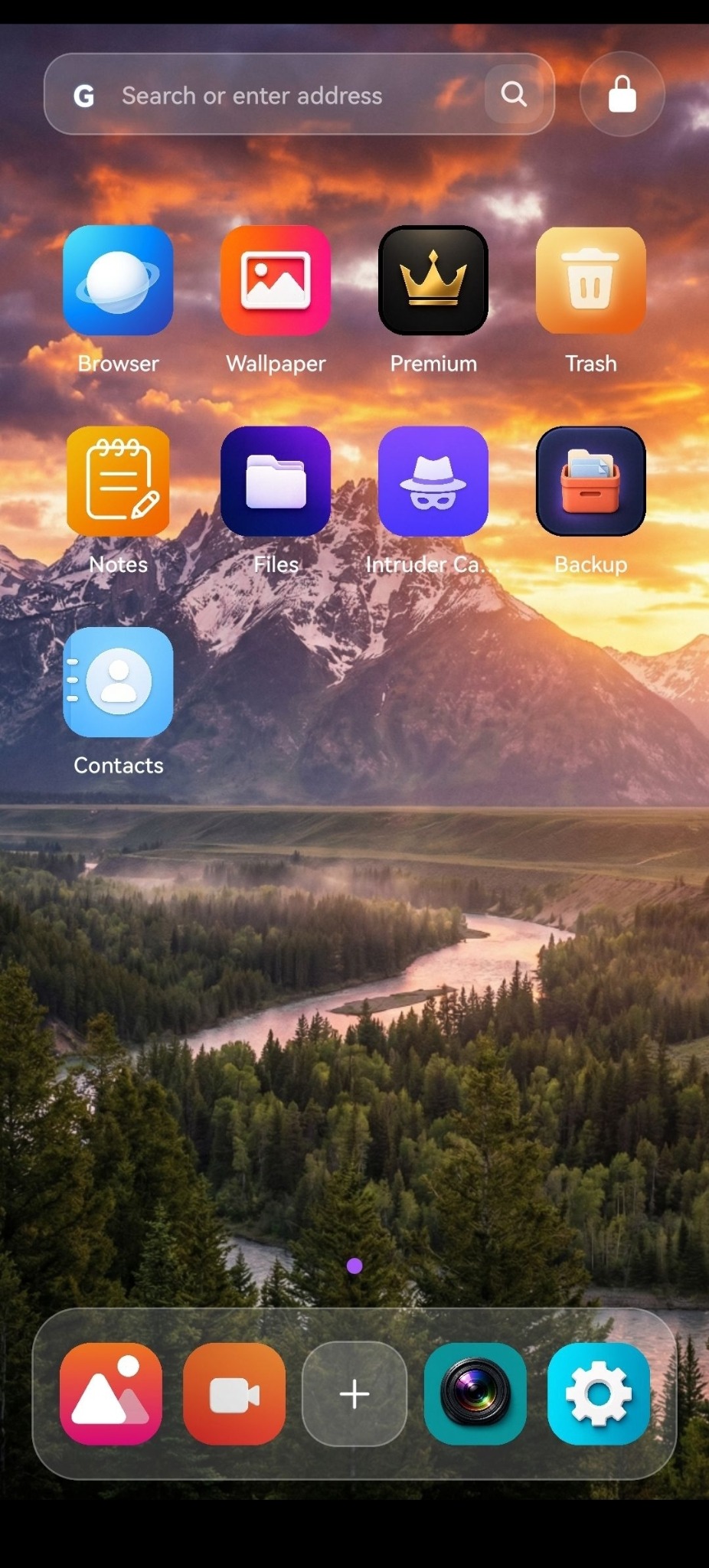
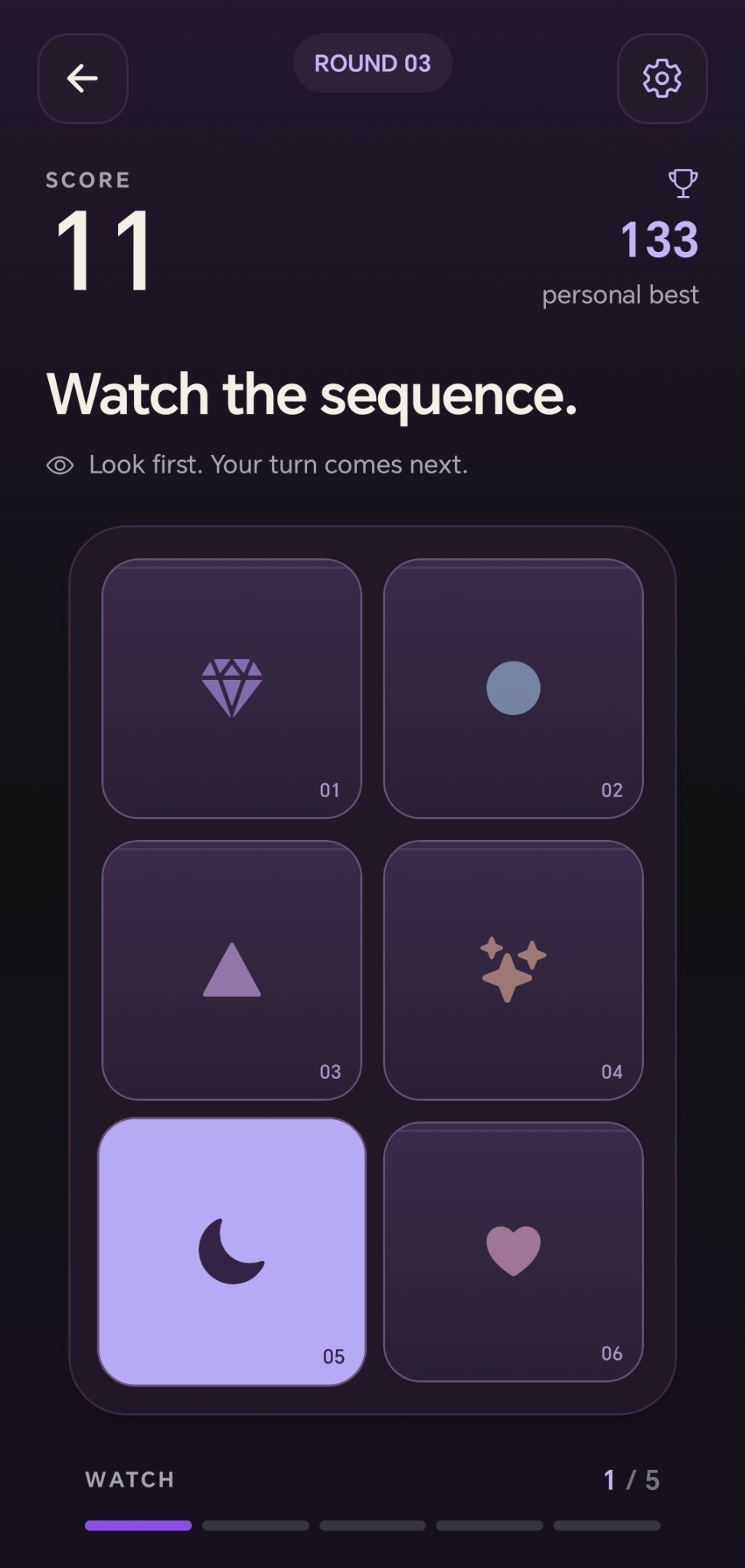
Open MemoVault and you get a memory game. Your private vault opens separately, with your password or biometrics.
01 — Memory game
INSIDE MEMOVAULT
Keep photos, videos, documents and audio together.
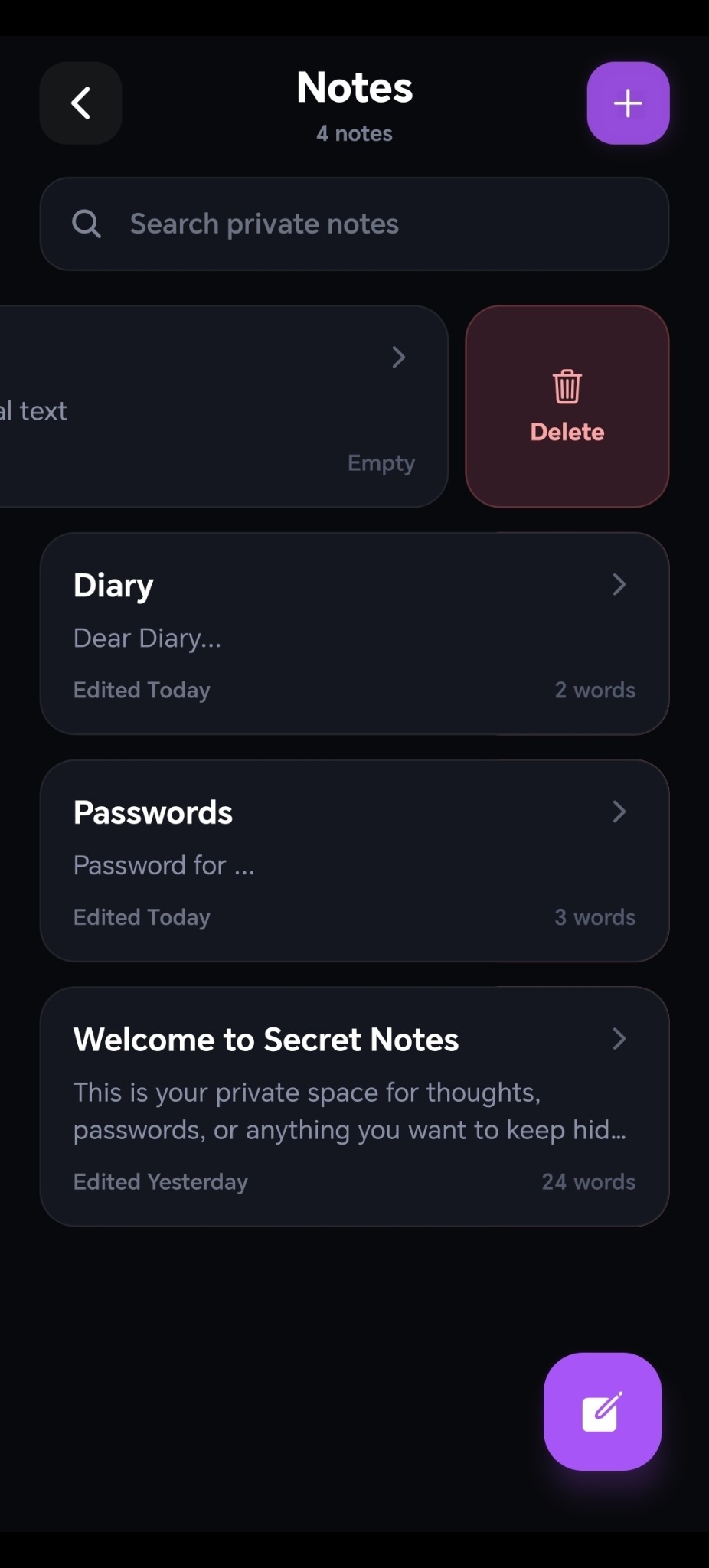
Keep the notes you don’t want in your usual notes app.
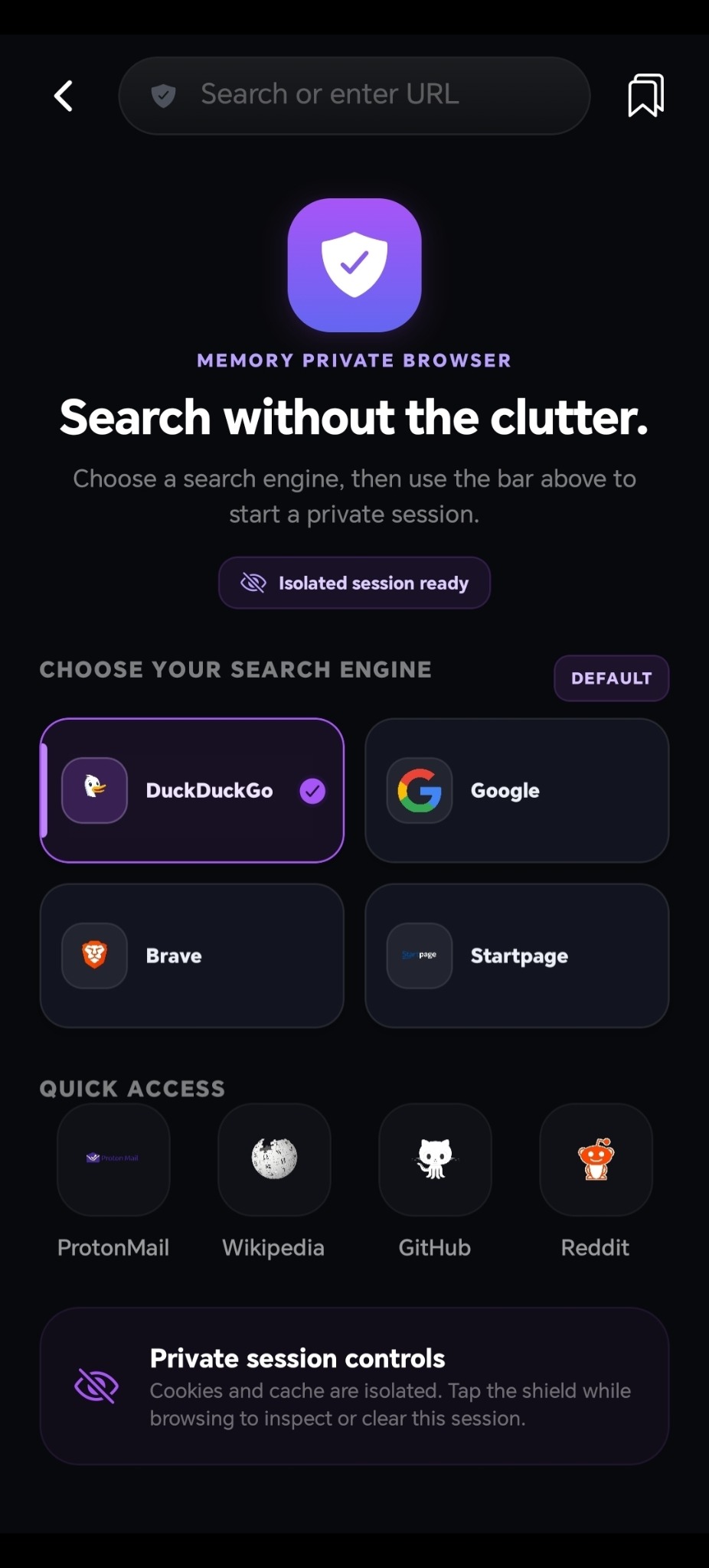
Choose your search engine and manage a separate browser session.
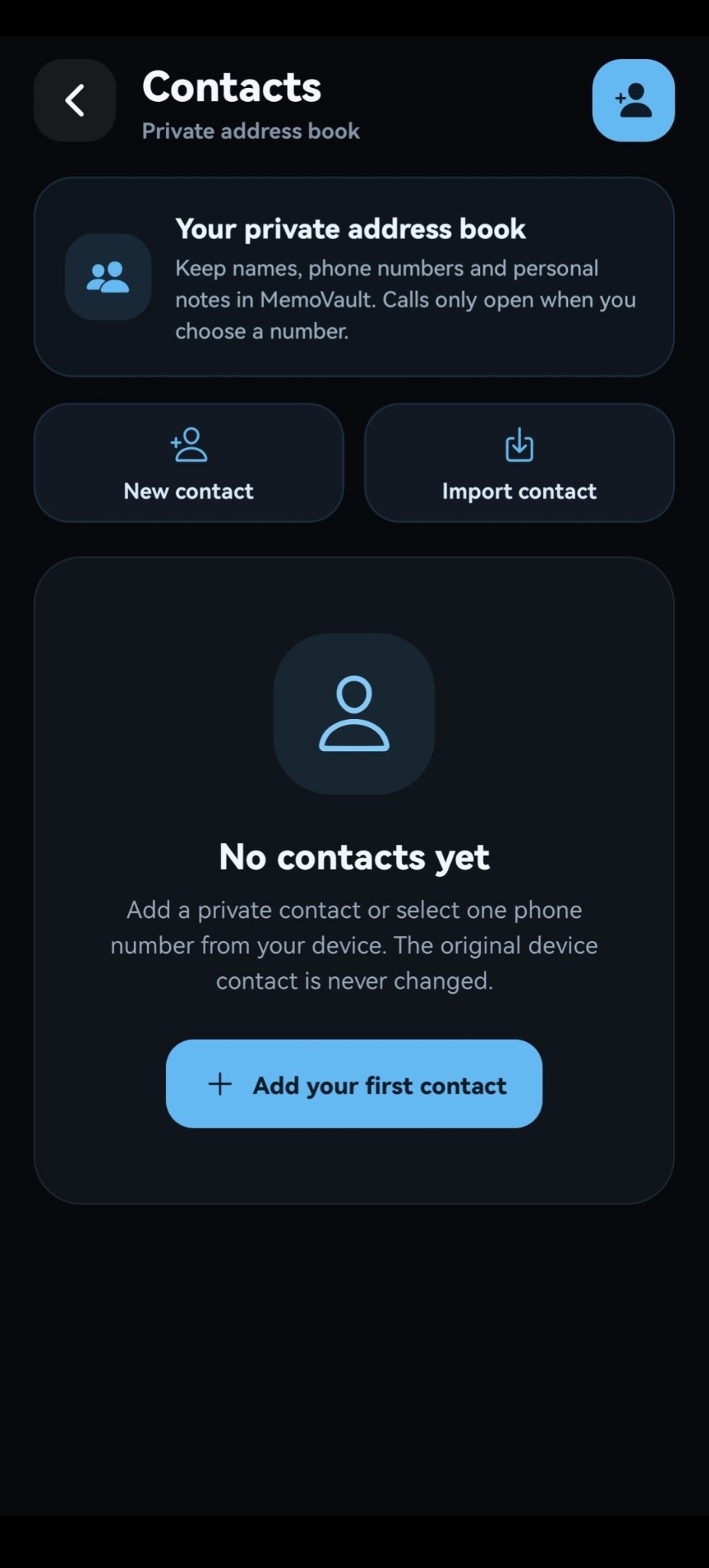
Keep selected names, numbers and notes inside your vault.
The browser is not a VPN and does not make your activity anonymous to websites or networks.
VAULT CONTROLS
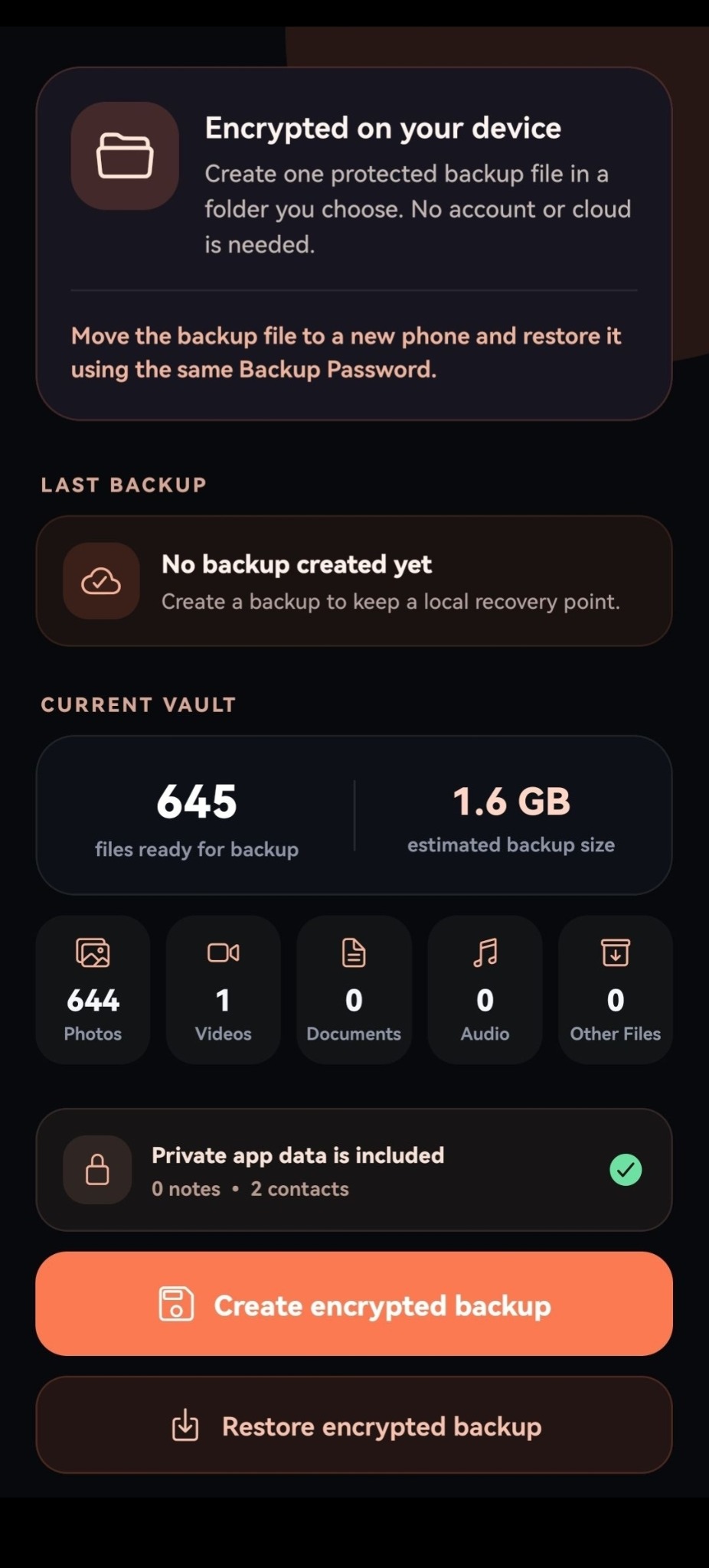
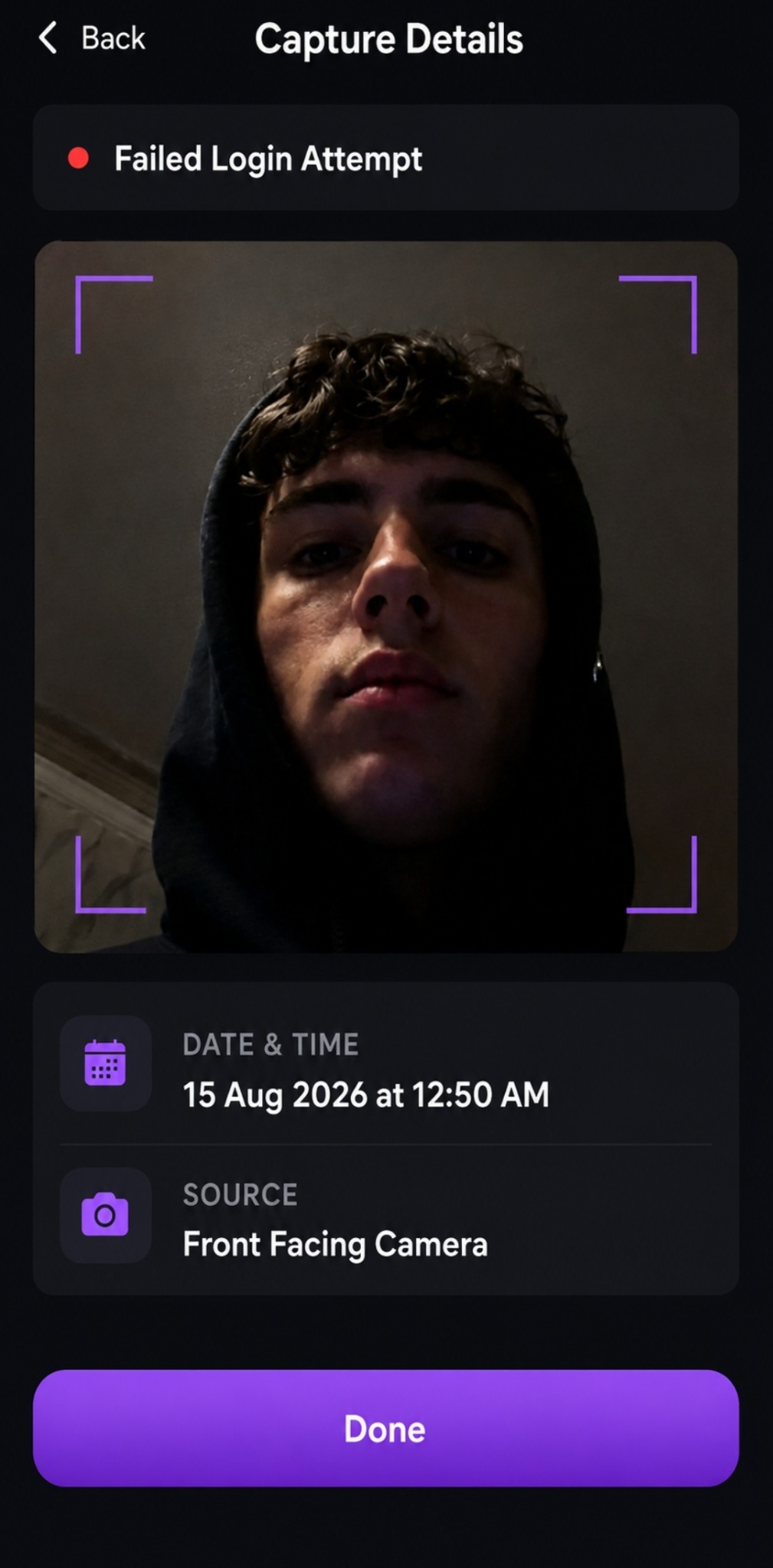
Password and biometric unlock, encrypted backup files and intruder-camera captures.
Create an encrypted backup in a folder you choose. Move it to a new phone and restore with the same backup password.
The intruder-camera feature records a capture you can review inside your vault.
MEMOVAULT PREMIUM
Choose an alternative game disguise and remove in-app ads.
Check the app for current Premium options and Google Play pricing.

Tap the settings icon five times on the Training screen or inside the memory game. Then enter your vault password or use supported biometric unlock.
Your vault content stays on your device. MemoVault does not run a cloud vault or account system for your files. Advertising, purchases and optional services have their own data practices, explained in the Privacy Policy.
Create and verify an encrypted backup before uninstalling, clearing app data or changing phones. Keep the backup file and its password. You can move that file to another phone and restore it with the same backup password.
You can download MemoVault free, with ads and in-app purchases. Premium removes ads and adds features such as alternative game disguises, Motion Lock and an Extra Vault. Current offers and local prices are shown in Google Play.
Use “Forgot Password?” on the unlock screen if you have a supported recovery method set up. Secret Core Studios cannot retrieve your vault password or local files. An encrypted backup cannot be restored without its backup password.
MEMOVAULT GUIDES
Find steps for files, backups, private browsing, contacts, notes and Premium features.
GET MEMOVAULT
Available for Android on Google Play.